There are a few different options to navigate to your website creation page.
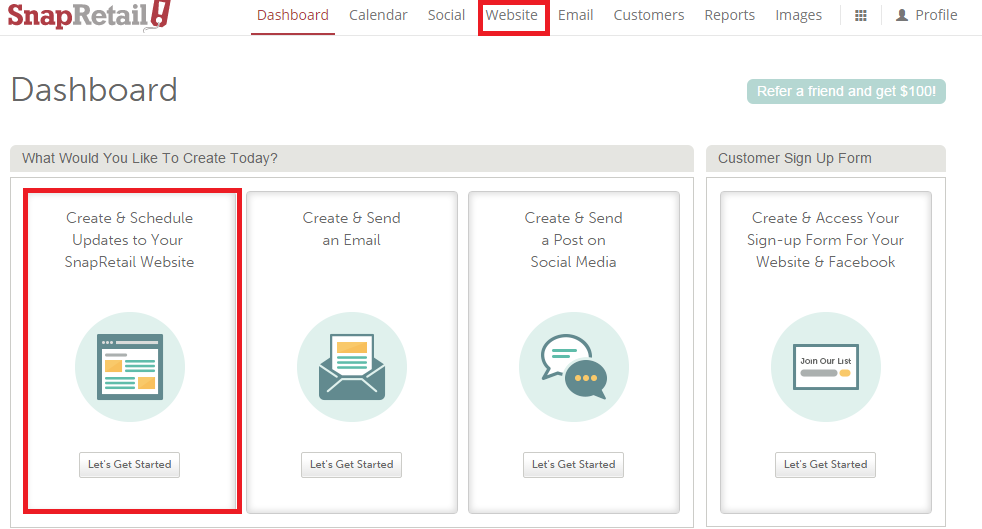
- Navigate to your website by choosing the Website tab at the top of your SnapRetail account
- From the Dashboard click on the “Let’s Get Started” button under Create & Schedule Updates to Your SnapRetail Website
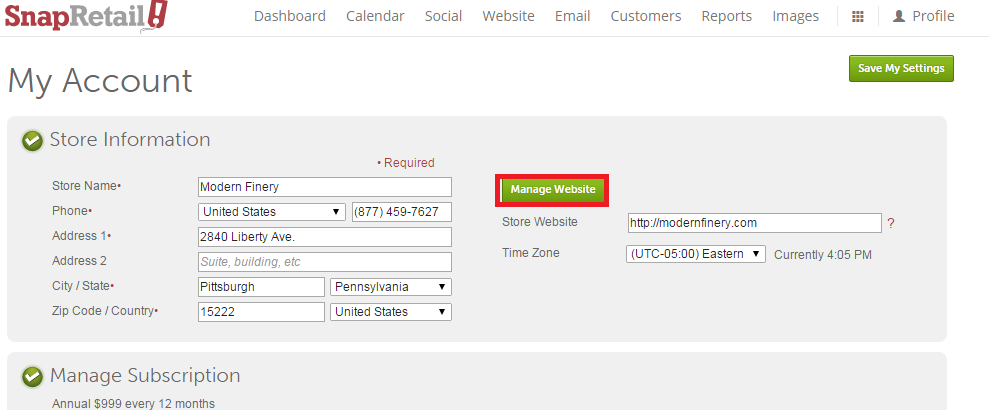
Navigate to Profile > My Account and choose the Manage Website button
From the main Website page you can do the following:
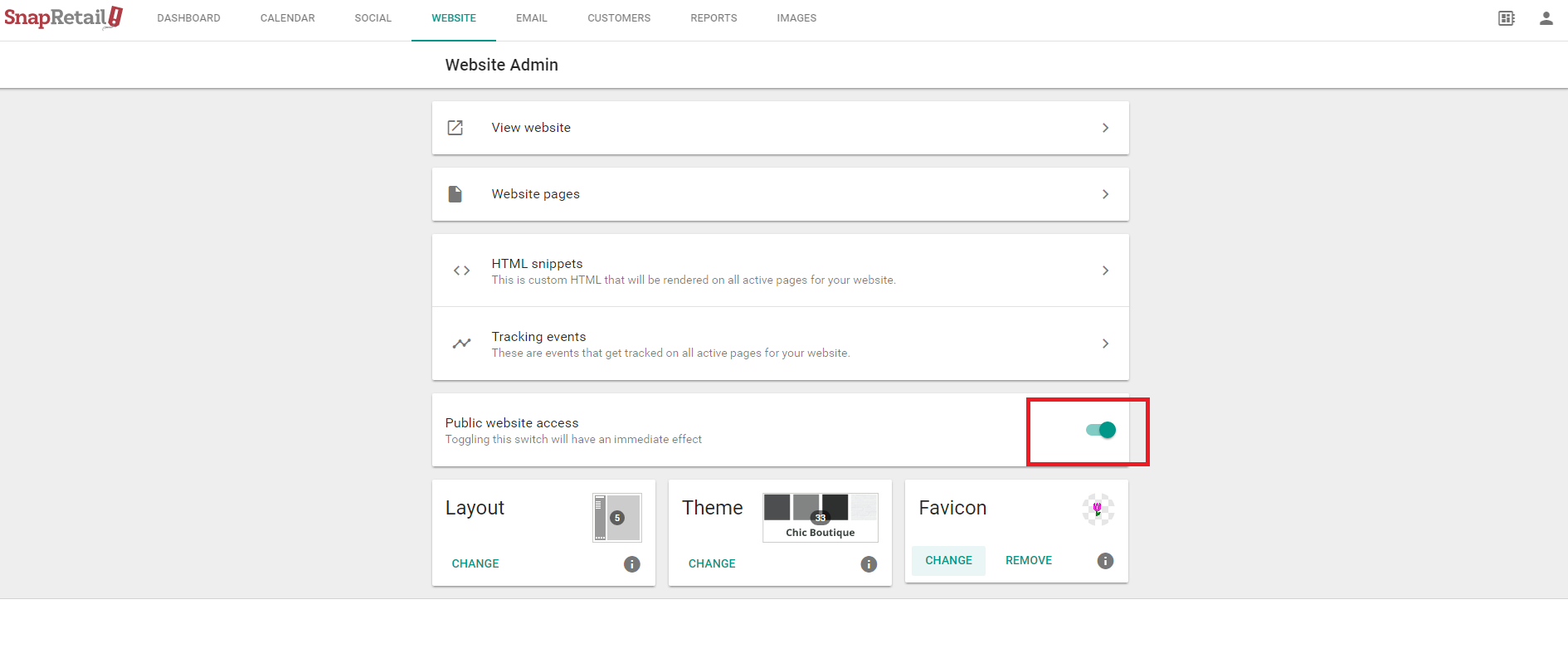
- Turn your website on for the public, or off
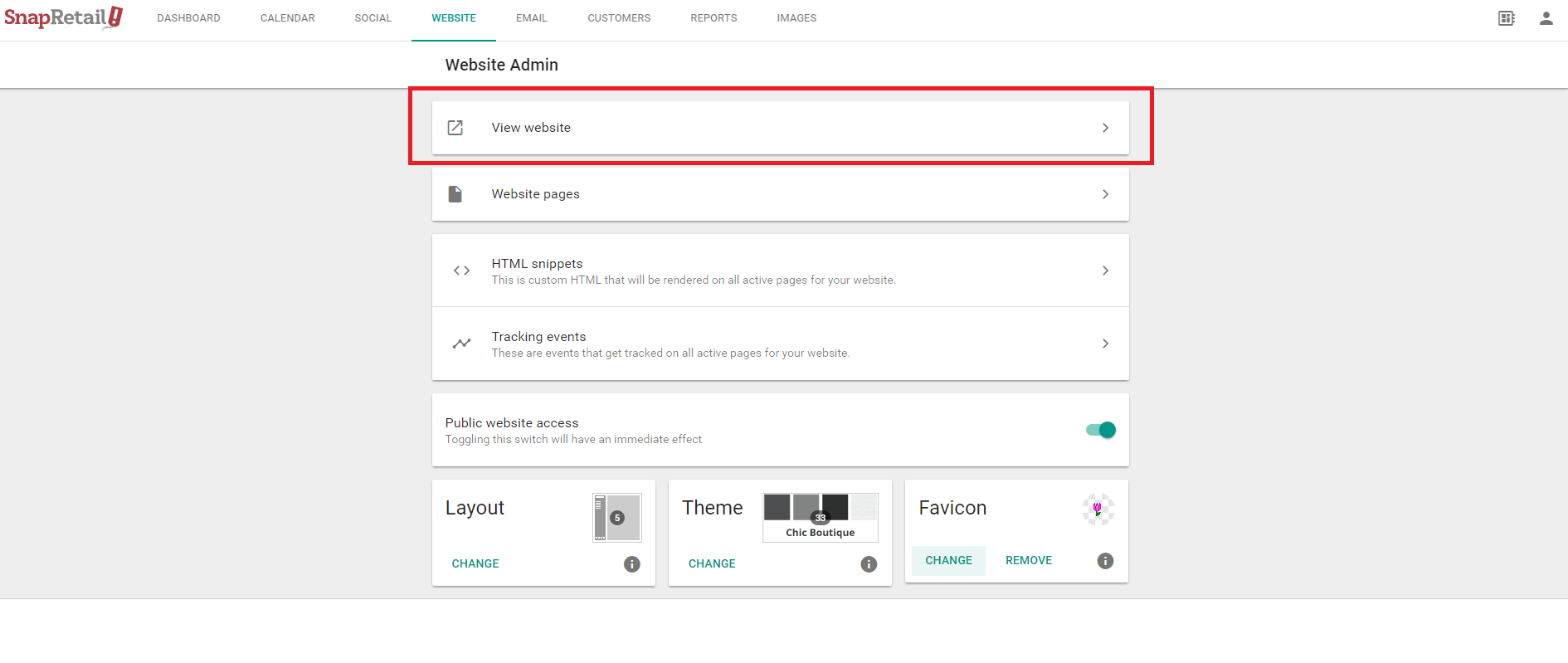
- View your website as it would appear to the public
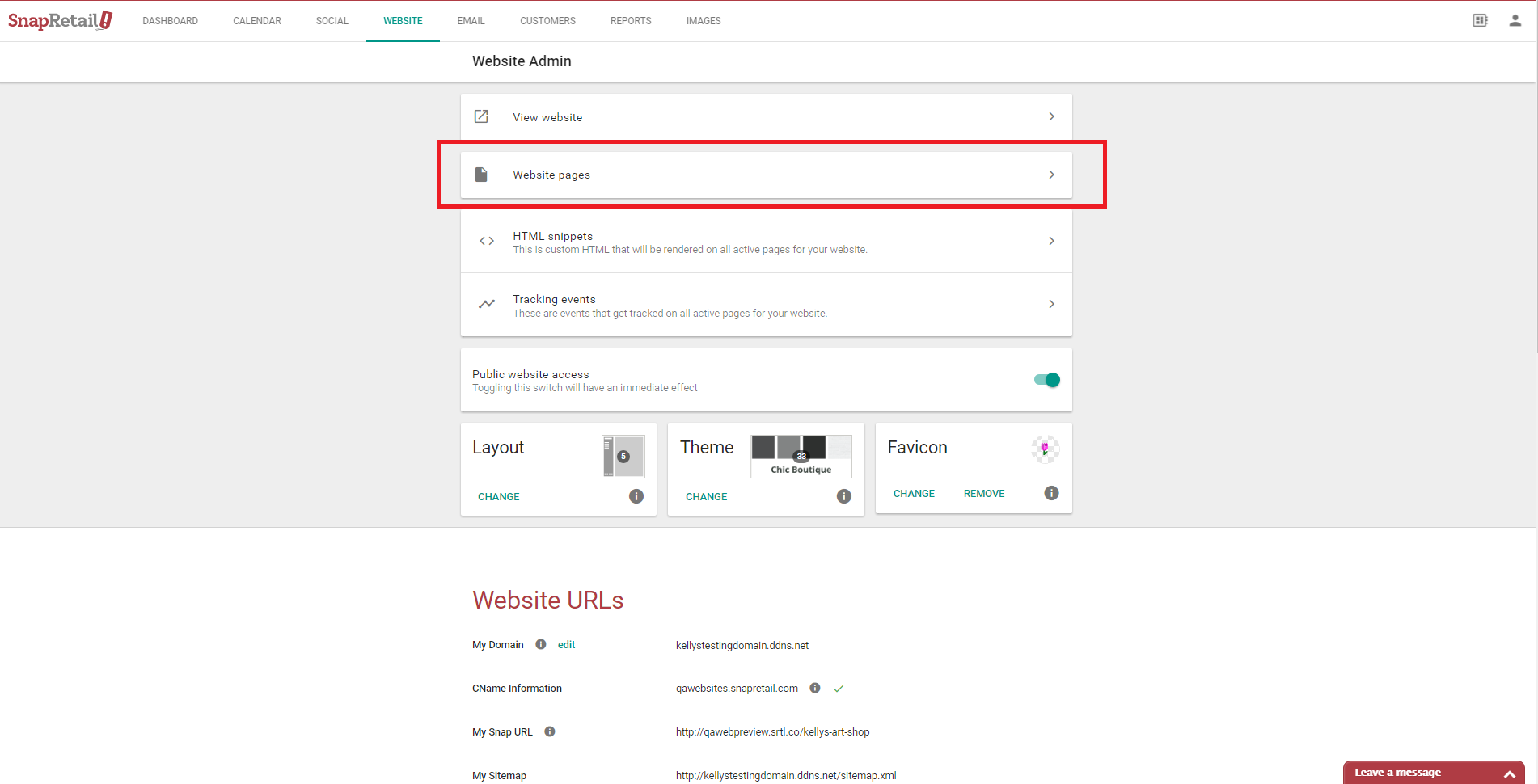
- Click Website Pages to view, edit, rearrange, add, or delete navigation or non-navigation pages.
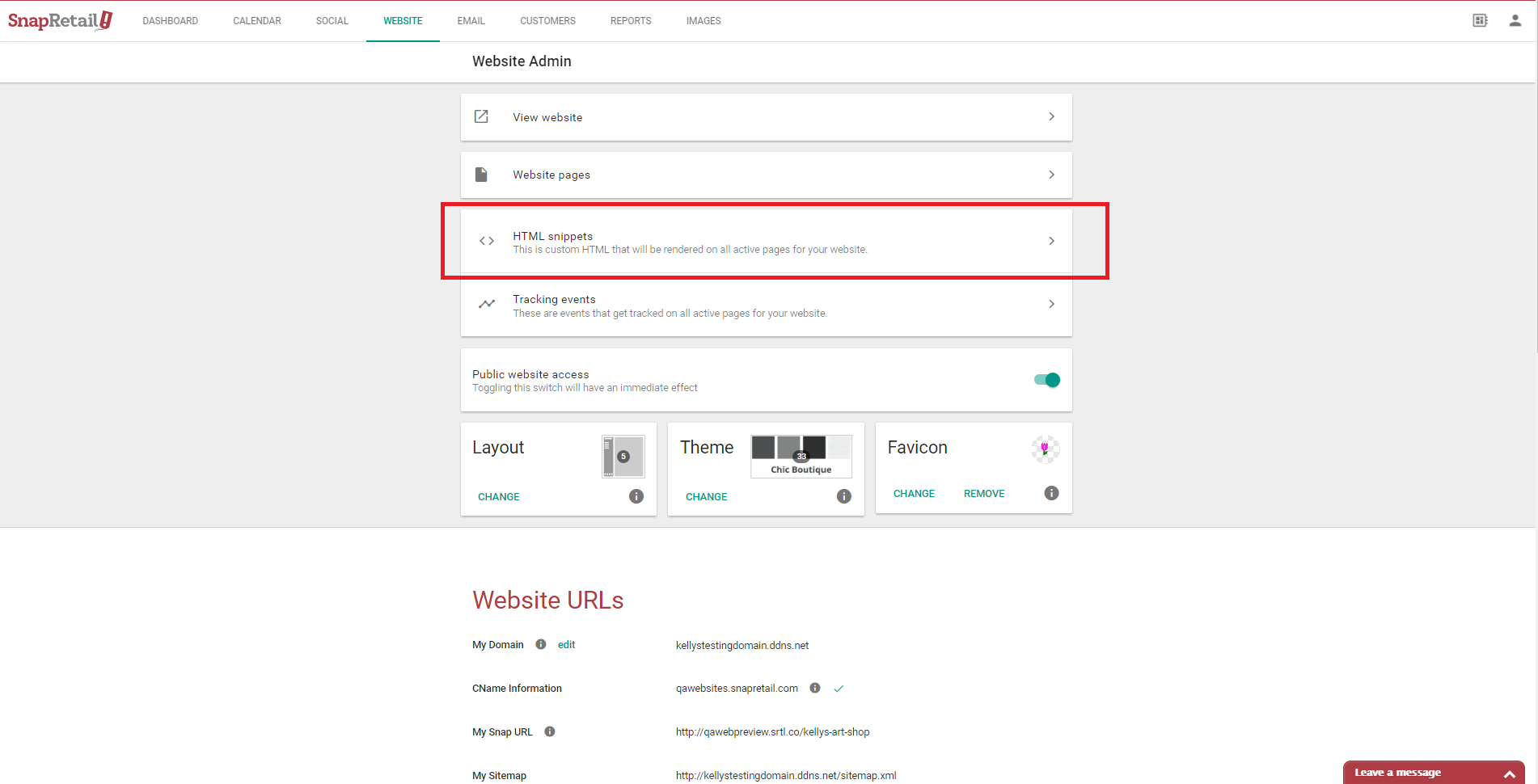
- Add HTML snippets (that will be rendered on all active pages for your website)
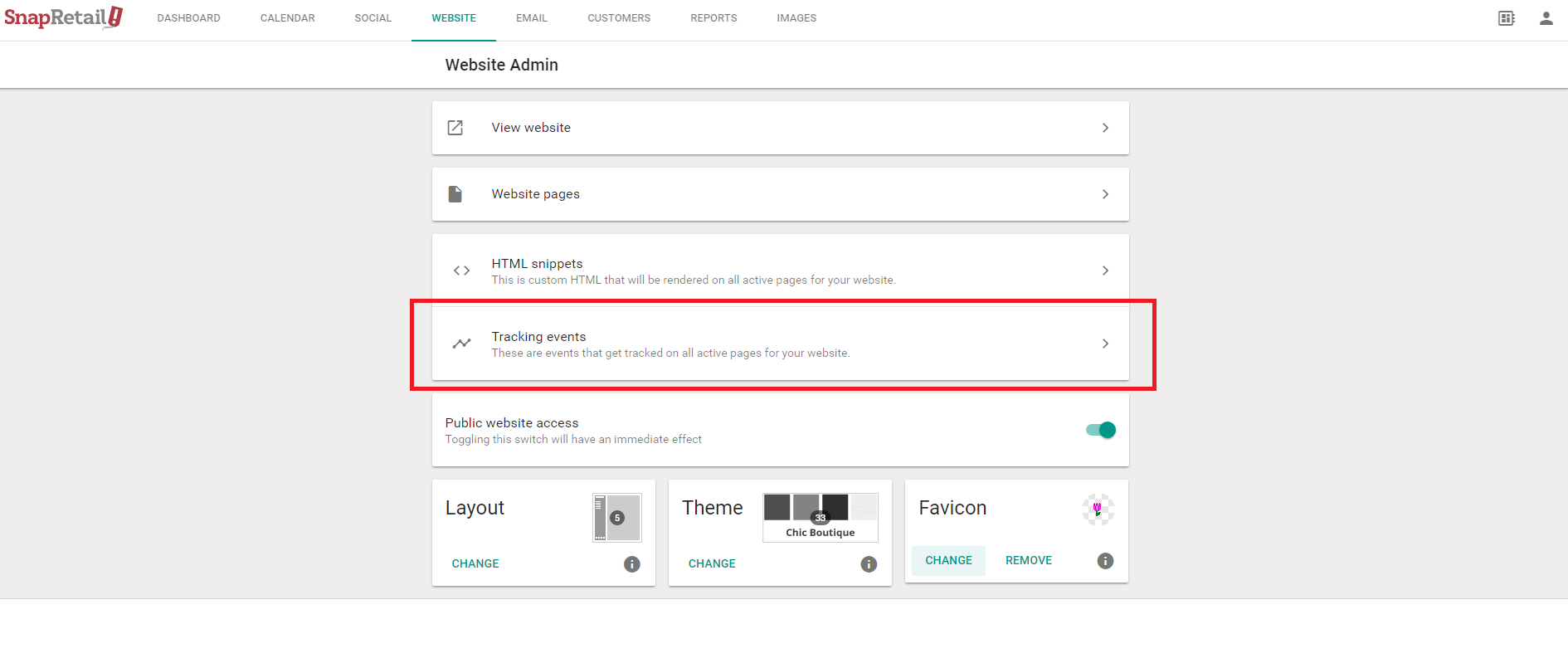
- Add Tracking Events (events that are tracked on all active pages for your website, typically used in conjunction with the Facebook Pixel)
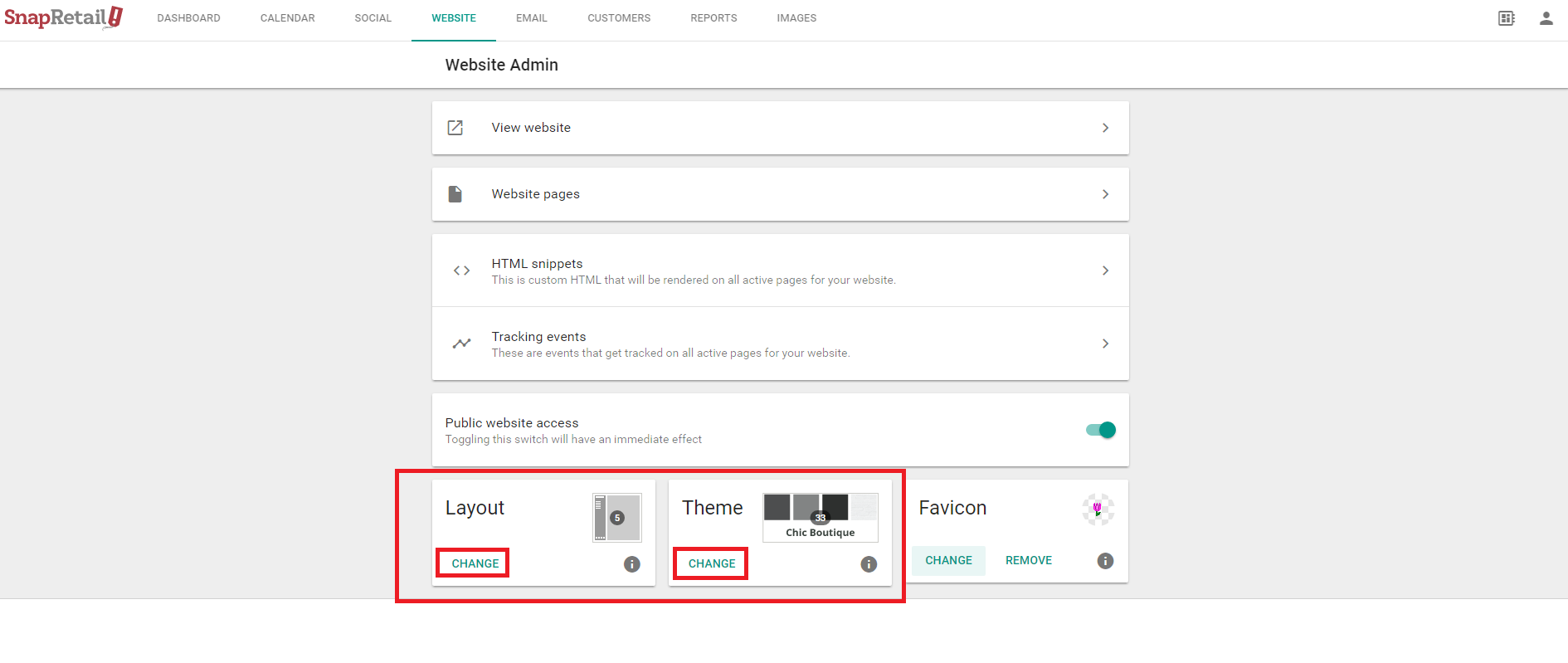
- Add or change your layout and/or theme
- Add or change your Favicon
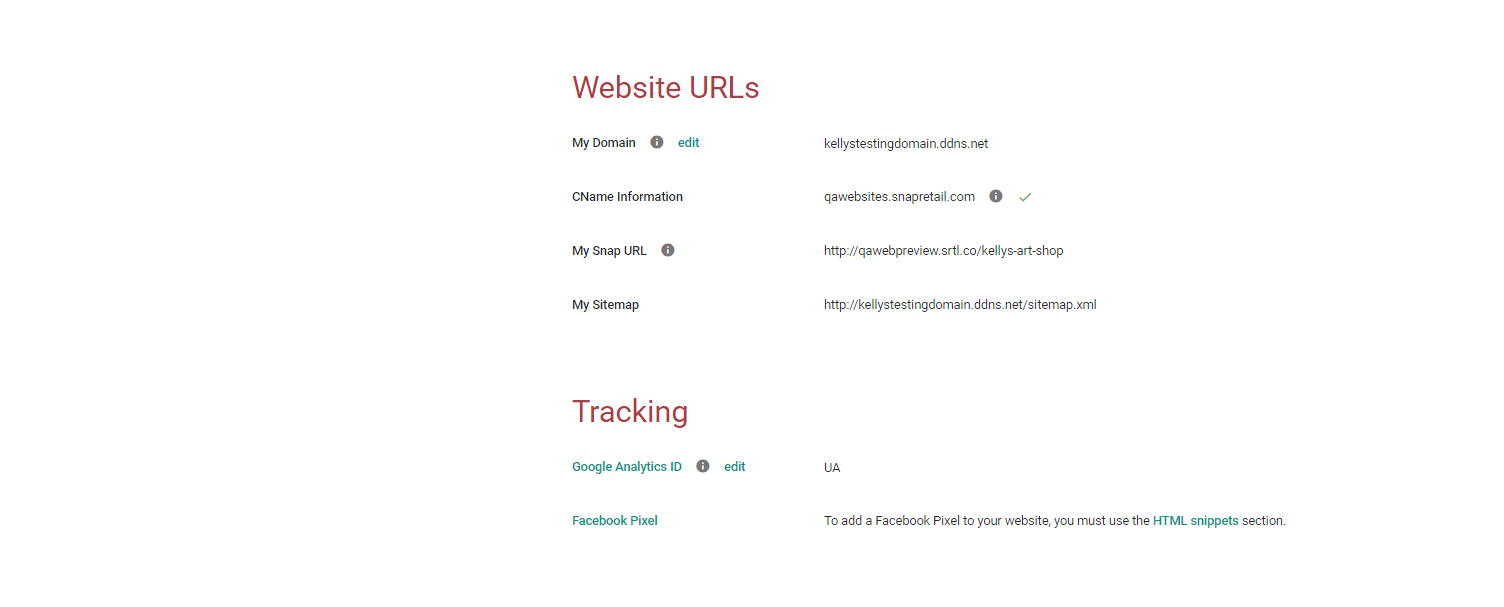
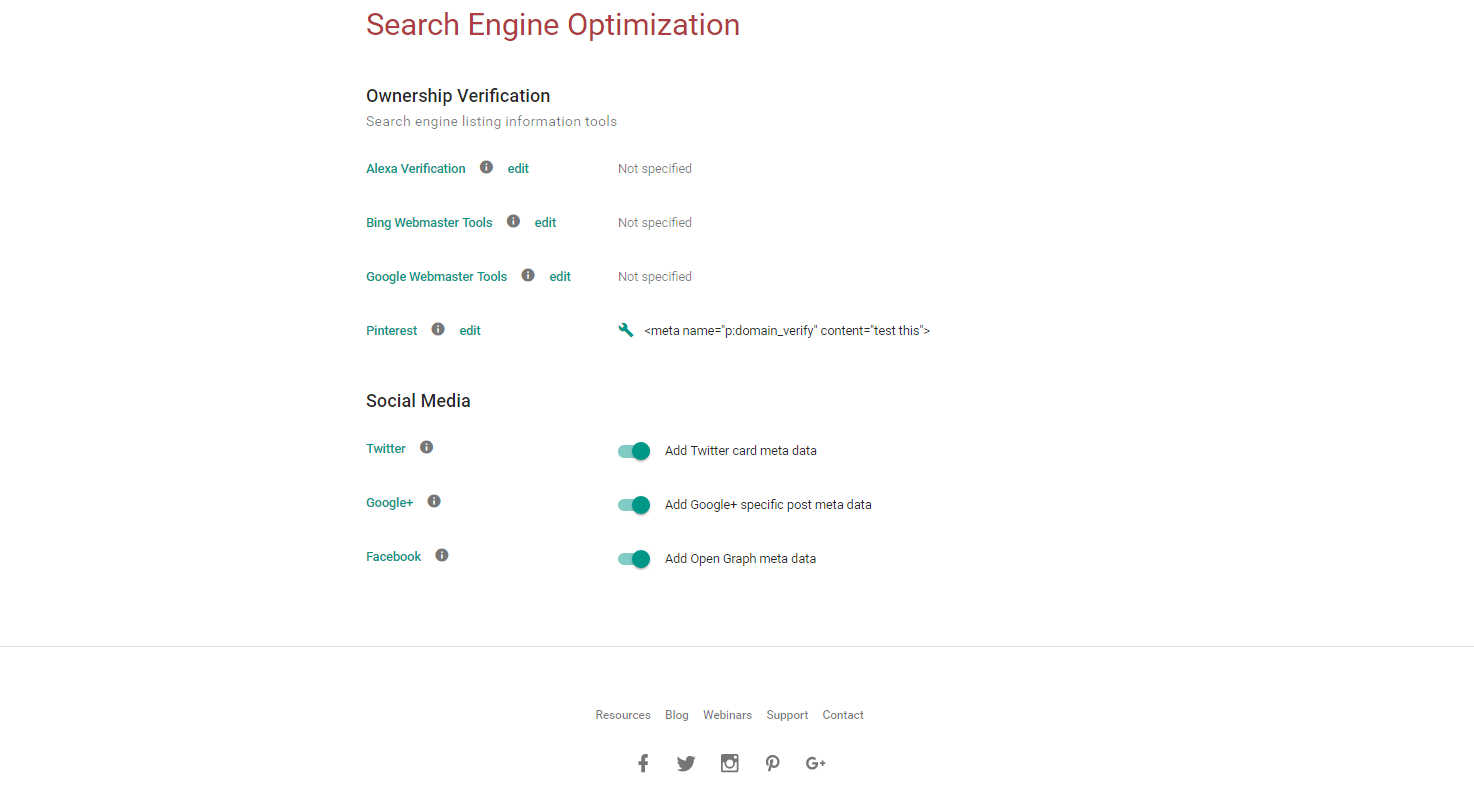
- Customize your website account settings, such as domain name, Google Analytics, and set up website SEO tools.
0 Comments